PlayStation 2 to HDMI adapter (PS2 to HDMI)
PlayStation 2 to HDMI adapter (PS2 to HDMI)
Couldn't load pickup availability
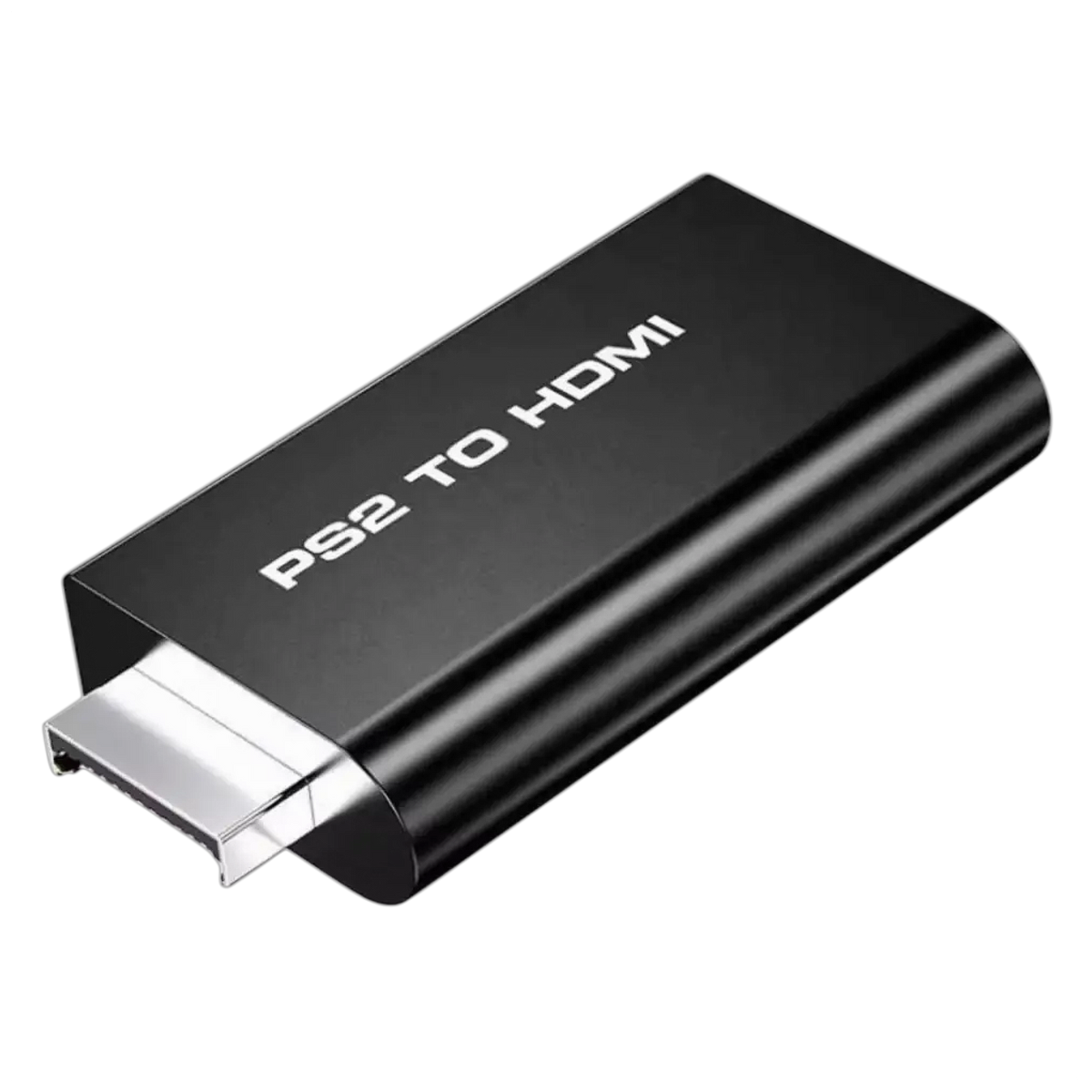
Mini PS2 to HDMI Converter Adapter
The PS2 to HDMI converter adapter offers a hassle-free solution for those who want to enjoy their Sony PlayStation games on modern displays. Supporting all PS2 display modes (480i, 576i, 480p), this adapter delivers video and audio without transmission loss.
Its simple functionality means there is no need for an RCA cable, and its compact size makes it easy to take with you.
By transmitting the video in full digital HDMI format, the image remains crisp, stable, and blur-free, depending on your screen's resolution. For the best picture, it's a good idea to set your TV's aspect ratio to 4:3.
Setup:
1. Start your PS2 without a disc in the system, connected with an RCA cable
2. Go to "System Configuration" on your PS2 system
3. Scroll down to "Component Video Out"
4. Change from "RGB" to "Y Cb/Pb Cr/Pr"
5. Plug the PS2 to HDMI adapter into your system
6. Connect the PS2 to HDMI adapter to a USB power source
A video demonstrating this is also included.
Box contents:
1x PS2 to HDMI converter
1x USB power cable
1x user manual (English)
Share